Turn on notifications
Get a notification on your phone or computer for new notices, replies and chat messages.
For: Everyone
- 1
Turn them on
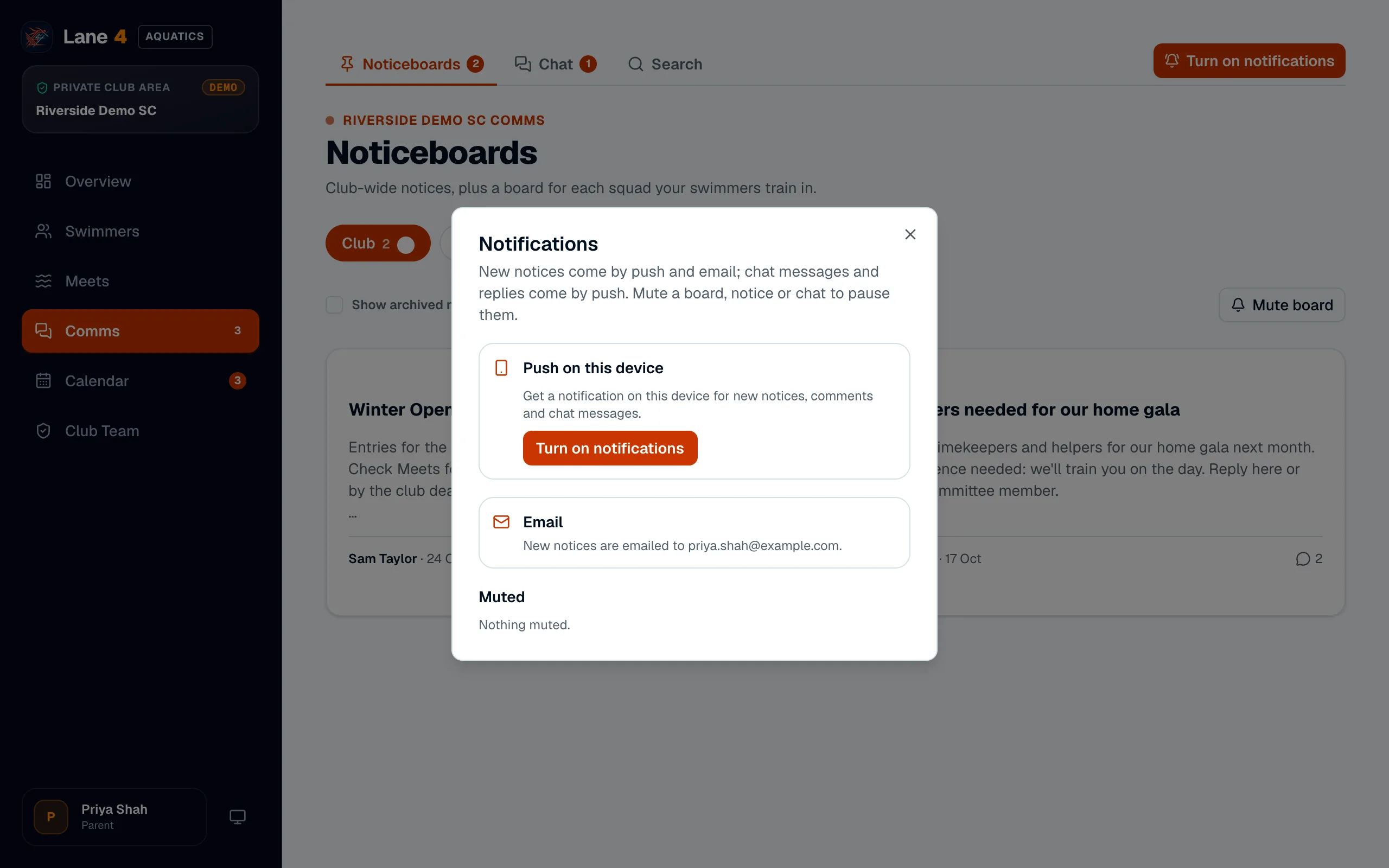
Open Comms and choose Turn on notifications, then Turn on notifications again in the box that opens. Your browser asks for permission; choose Allow.
- 2
On an iPhone or iPad
Apple only allows notifications for websites added to the Home Screen. In Safari, tap Share, then Add to Home Screen, then open Lane4 from its new icon and turn notifications on there.
- 3
Mute what you don't need
You can mute a noticeboard, a single notice or a chat from its page. Muted items stay readable; you just won't be notified.
Screenshots show Riverside Demo SC, a made-up club with fictional members and swimmers.